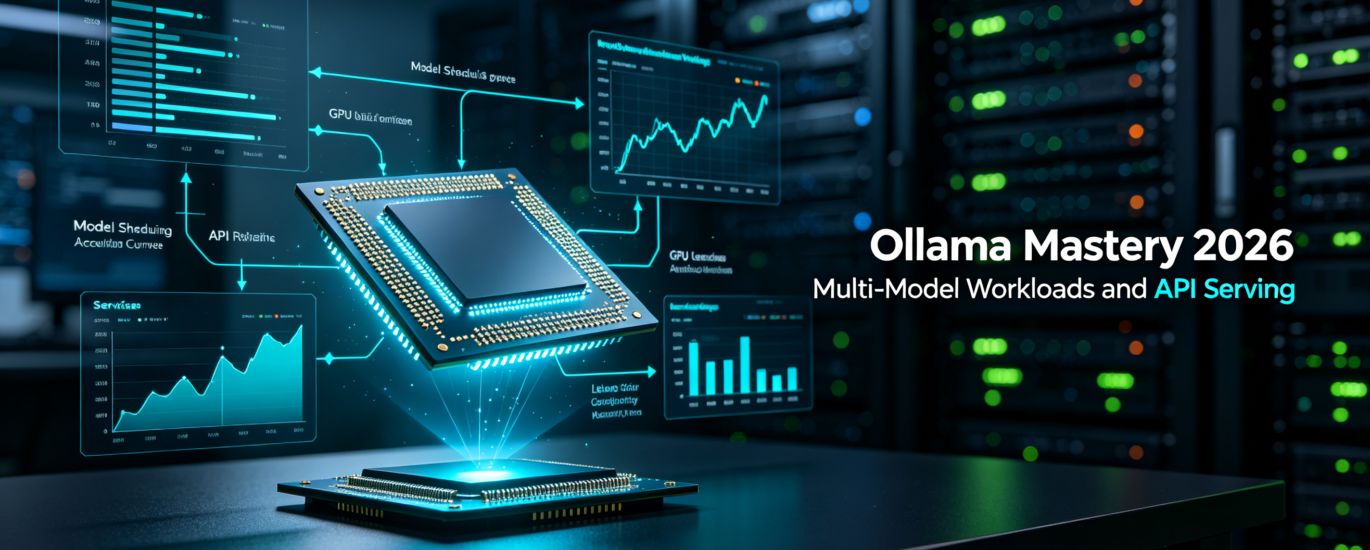
Ollama Mastery 2026: Advanced Tips for Multi-Model Workloads and API Serving
The Evolution from Single Models to Orchestrated Intelligence
In the wake of CES 2026’s hardware revelations and the maturation of quantization techniques, the local AI landscape is undergoing a subtle but profound shift. The conversation is moving beyond simply “which model to run” toward a more sophisticated question: “how do I orchestrate multiple specialized models to work together efficiently?” Enter Ollama 2026—a platform that has evolved from a convenient model runner into a powerful orchestration layer for local AI. This evolution transforms your local machine from a single-purpose tool into a versatile, private intelligence hub capable of handling complex, multi-step workflows.
While llama.cpp provides the fundamental engine for efficient inference, Ollama builds the management framework around it. The latest updates, inspired by hardware advancements showcased at CES, introduce dynamic resource allocation, intelligent model caching, and streamlined API serving that make deploying production-ready local AI applications more accessible than ever. This guide explores advanced strategies to leverage these new capabilities, turning experimental setups into robust, scalable solutions.
The Ollama 2026 Advantage: More Than Just a Wrapper
Ollama’s core innovation lies in its abstraction layer. It manages the complexities of model files, GPU memory, and system resources so you can focus on application logic. The 2026 updates specifically address three critical challenges for multi-model workloads:
- Predictable Resource Management: Intelligently shares VRAM and RAM between concurrently loaded models.
- Reduced Latency: Implements smarter disk-to-GPU loading strategies and model warm-up protocols.
- Unified API Gateway: Provides a consistent endpoint for interacting with different models, simplifying application development.
CES-Inspired Optimizations Under the Hood
The hardware trends from CES 2026—particularly NVIDIA’s and AMD’s focus on efficient AI inference within mixed workloads—directly influenced Ollama’s latest architecture. Key optimizations include:
- Adaptive Model Paging: Borrowing concepts from virtual memory, Ollama can now keep only the most active parts of a very large model in GPU VRAM, paging other layers to system RAM with minimal performance penalty. This is crucial for running multiple large models on a single high-end consumer GPU (like the new RTX 5090).
- Hardware-Aware Scheduling: When multiple models are requested, Ollama’s scheduler evaluates their resource profiles (VRAM footprint, supported quantization) and the available hardware to determine the most efficient loading order and placement (CPU/GPU).
- Quantization Transparency: The platform automatically selects the most performant compatible quantized version of a model (q4_k_m, q5_k_m, etc.) for your specific hardware, balancing speed and quality without user intervention.
Mastering Multi-Model Workloads
The true power of a local AI setup emerges when you can chain or select between specialized models. Ollama excels at this.
Strategy 1: The Dynamic Model Router
Create an intelligent dispatcher that routes queries to the best-suited model based on content analysis. For example, a coding question goes to codellama, a creative writing prompt to llama3, and a summarization task to mistral.
Implementation Concept:
You can build a lightweight classifier (or use a very small, fast model) to analyze the incoming prompt. Ollama’s API allows you to list running models (ollama list) and dynamically direct the request via a simple script or middleware layer.
Strategy 2: Sequential Chaining for Complex Tasks
Break down complex tasks into steps, each handled by a different model, with Ollama managing the handoff.
Example: Research Assistant Workflow
- Web Search (Simulated): A query for “latest quantum computing trends” is first sent to a model fine-tuned on web-style data to generate hypothetical search queries.
- Synthesis: The outputs are sent to a second model with a large context window (like mixtral) to synthesize a coherent, multi-perspective summary.
- Citation Formatting: Finally, the summary is passed to a code-specialized model to format the information with proper citations or structuring.
Ollama keeps all required models ready, minimizing the latency between steps which would be crippling if each step required a full model load from disk.
Configuration for Concurrent Models
Managing resources is key. Use the ollama run command with parameters to set limits and control priority.
| # Run a model with explicit VRAM allocation (useful for fine-tuning co-location)
ollama run llama3.1:8b –num-gpu 40 # This instructs Ollama to allocate roughly 40% of available VRAM to this model instance.
# Run a model primarily on CPU, preserving GPU for others OLLAMA_NUM_GPU=0 ollama run nomic-embed-text |
Create a Modelfile to bake resource preferences into a custom model variant for repeatable deployments.
| # Modelfile for a CPU-focused variant
FROM llama3.2:latest PARAMETER num_gpu 0 PARAMETER num_thread 8 # This model will always load on CPU with 8 threads |
Advanced API Serving for Production
Ollama’s built-in API (default: localhost:11434) is simple but powerful. For production serving, you need to add layers for resilience, monitoring, and scalability.
- Securing and Scaling the Native API
The default setup is for local development. For internal network access, you should wrap it.
- Reverse Proxy with Authentication: Use Caddy or Nginx in front of Ollama. This provides HTTPS, basic authentication, and rate limiting.
| nginx |
| # Simple Nginx configuration snippet
server { listen 443 ssl; server_name ai.internal.yourcompany.com; location / { proxy_pass http://localhost:11434; auth_basic “Restricted AI”; auth_basic_user_file /etc/nginx/.htpasswd; proxy_read_timeout 300s; # Important for long inferences } } |
- Process Management: Use systemd (Linux) or launchd (macOS) to ensure Ollama restarts on failure and boots on startup. This is crucial for reliability.
- Building a Robust API Gateway
For complex applications, consider building a lightweight gateway application (in Python/Node.js/Go). This gateway becomes the single entry point and can:
- Load Balance between multiple Ollama instances running on different ports or machines.
- Implement Retry Logic and fallback models if one fails.
- Add Logging, Monitoring, and Usage Metrics (integrate with Prometheus/Grafana).
- Manage Context/Session Memory for chat applications, offloading this from the client.
- The Containerized Deployment Pattern
For the highest level of reproducibility and scalability, containerize your Ollama setup.
| # Dockerfile for a model-serving container
FROM ollama/ollama:latest # Import your pre-pulled model into the image RUN ollama pull llama3.1:8b-instruct-q5_k_m # Expose the API port EXPOSE 11434 # Set the entrypoint to serve CMD [“ollama”, “serve”] |
This container can be orchestrated with Docker Compose or Kubernetes, allowing you to scale model instances horizontally based on demand. You can run a container with llama3 for general tasks and another with codellama for development, routing traffic accordingly.
Performance Tuning and Monitoring
With great power comes the need for observation. Use the following to keep your setup healthy:
- Ollama’s Logs: Run ollama serve with verbose logging or check system logs to see model loading times and inference details.
- System Resource Tools: Use nvtop (for NVIDIA GPUs), htop, or glances to monitor VRAM, RAM, and CPU utilization in real-time. The goal is to identify bottlenecks—is your GPU idle while waiting for a slow disk? Is your CPU pegged feeding the GPU?
- API Response Times: Instrument your API gateway or client to track latency. If response times for a model suddenly spike, it may indicate system resource contention.
Golden Rule of Thumb: Your total VRAM requirement is not just the sum of all model sizes. Thanks to Ollama’s dynamic management and layer paging, you can often run several models concurrently in the VRAM that would traditionally fit only one. Experiment with loading sequences to find the optimal balance for your workflow.
The Road Ahead: Preparing for Spring’s AI Bloom
The optimizations in Ollama 2026 lay the groundwork for the next generation of models expected this spring. These models will likely push the boundaries of context length and multimodal reasoning. Ollama’s architecture, which cleanly separates the model management layer from the inference engine (llama.cpp), positions it perfectly to integrate these advances rapidly.
Start experimenting now with multi-model workflows and robust API patterns. By mastering these orchestration skills, you’ll be ready to seamlessly incorporate new, more powerful models as they are released, instantly applying them to compound tasks. The future of local AI isn’t a single, monolithic model; it’s a team of specialized AI agents, efficiently coordinated by platforms like Ollama, running privately on your own hardware.
Building a sophisticated, multi-model local AI environment requires careful planning and expertise. The team at LocalArch.ai specializes in designing and implementing balanced, production-ready local AI architectures tailored to your specific business workflows. Contact us to move from experimentation to deployment.